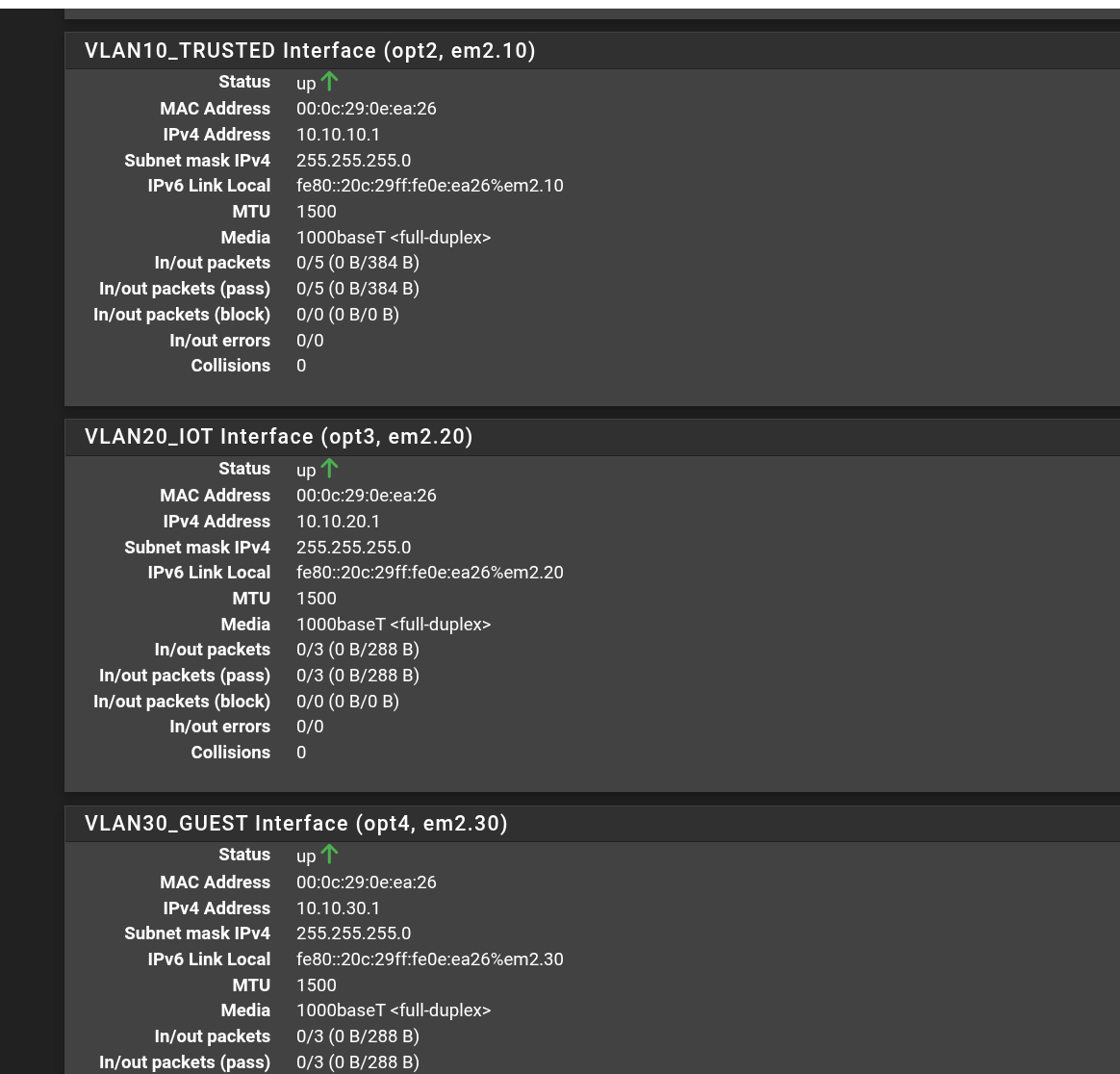
All three VLAN interfaces online at their gateway IPs on pfSense

Virtual VLAN Segmentation on pfSense — Three Isolated Zones, No Managed Switch

A flat network trusts every device on it equally. A smart plug, a guest’s phone, and the machine holding my important data all share one space — so if any one of them is compromised, the attacker can reach the rest. Network segmentation breaks that flat space into separate zones and controls what may cross between them, shrinking the blast radius of any single compromise. I wanted to build that properly — VLANs and a firewall — on VMware Workstation with pfSense CE, and design three zones at deliberately different trust levels: ...
12 July 2026
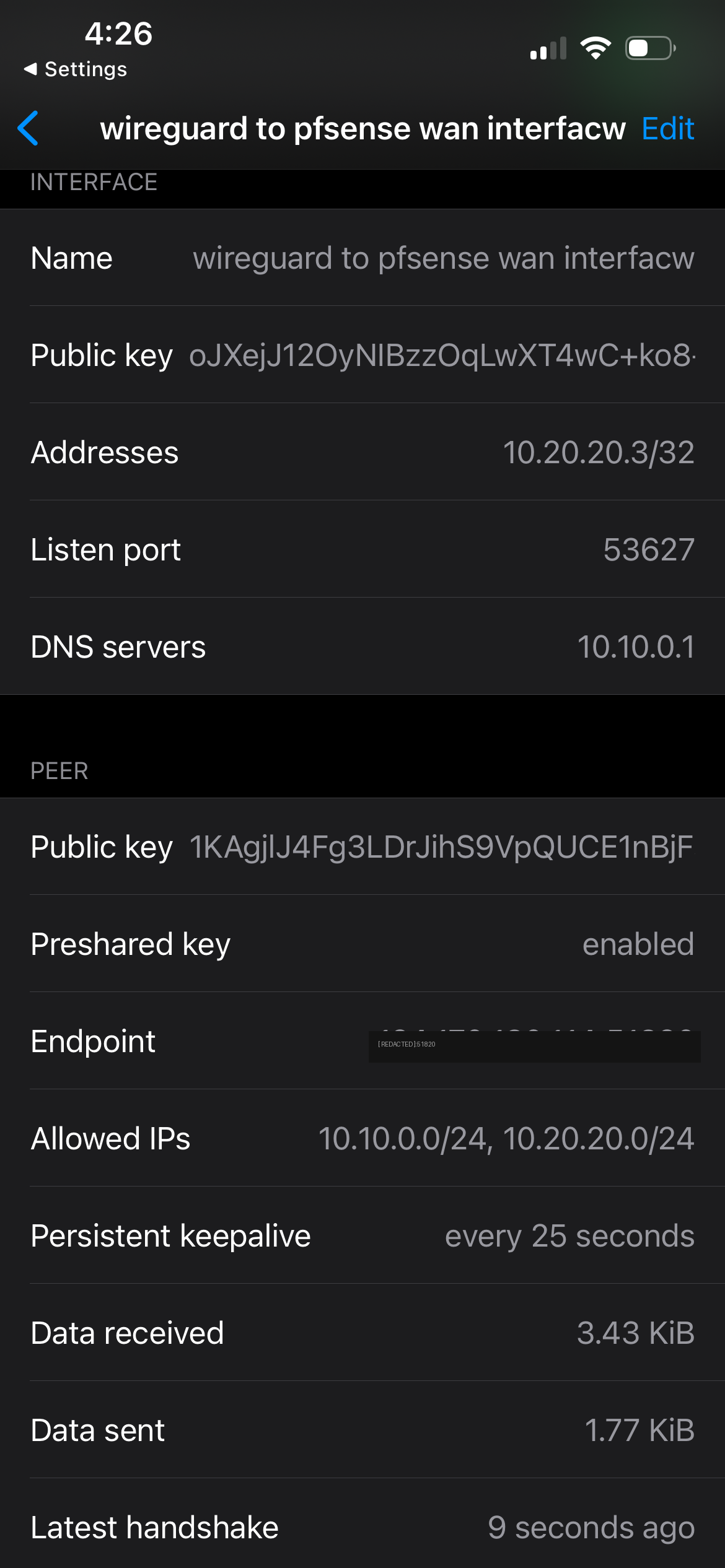
WireGuard handshake established over mobile data

Self-Hosted WireGuard Through a Nested Firewall — and the Four-Layer Debug to Make It Work

My lab is deliberately isolated — an automation VM (CLAUDDEB) sits behind a virtual pfSense firewall on a segment (10.10.0.0/24) that my home network can’t reach. That isolation is great until you’re out of the house and want to check your Grafana dashboards, which only listen inside that segment. I already use Tailscale for casual remote access, and I’ll be honest up front: for pure convenience, Tailscale wins — it punches through NAT automatically with zero firewall work. But this project wasn’t about convenience. It was about building the thing Tailscale is made of. Tailscale is WireGuard under the hood; hand-rolling raw WireGuard on pfSense teaches you how VPNs actually work — keys, peers, routing, firewall rules, NAT — at a level the managed tool deliberately hides. So I built it from scratch, kept Tailscale as my daily driver, and got a genuinely brutal debugging lesson in the process. ...

11 July 2026
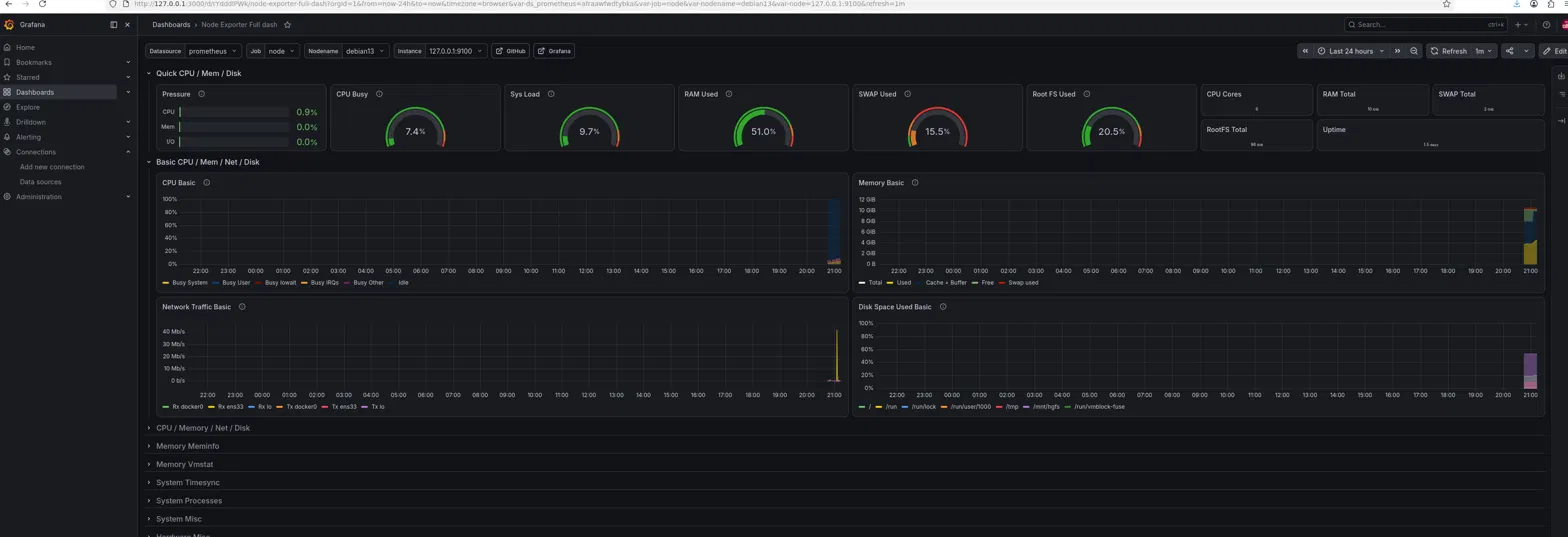
Grafana Node Exporter dashboard for the Debian VM

Building a Prometheus and Grafana Observability Stack for My Home Lab

My LaMetric display gives an at-a-glance read on the lab, but it’s a spot reading with no history — good for “is something on fire right now,” useless for “what happened overnight.” This project adds the layer underneath: a Prometheus + Grafana stack that scrapes my hosts continuously, stores the history, and draws real dashboards. Two targets: CLAUDDEB (my Debian automation VM) and my pfSense firewall, reusing the exact SNMP setup from the pfSense post — just pointed at something far more capable than a 37-pixel display. ...

6 July 2026
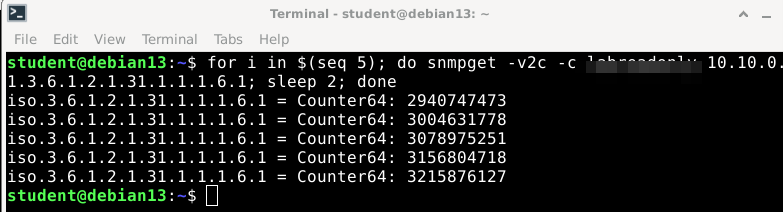
pfSense WAN byte counter climbing under SNMP polling

Implementing LaMetric TIME to Network Part 2

In part 1 I got a LaMetric Time showing live health from my home lab over MQTT, so it worked across my network isolation — CPU, memory, disk, uptime, and the automation VM’s own traffic, all from a single Debian box. Useful, but those were really that box’s stats. The frame the display was named for is my network’s throughput — the traffic crossing my firewall — and that data lives on pfSense, not the Debian box. This is the follow-up: pulling real WAN in/out rates off pfSense over SNMP and putting them on the display. It’s shorter than the MQTT build, because the pipeline already exists; all I’m adding is a new data source. Getting numbers out of pfSense is the part worth writing down. ...

6 July 2026
A LaMetric Time smart display

Implementing LaMetric TIME to Network

I picked up a LaMetric Time — an 8x37 pixel smart display — and after locking it down on an isolated guest network, the next move was to make it useful: live health from my home lab. CPU, memory, network throughput — the numbers worth a glance. The interesting part is that a constraint I’d deliberately built into my network dictated the whole architecture. This is the write-up: the design decision, the pipeline, and the gotchas — because the gotchas are the useful part. ...

5 July 2026
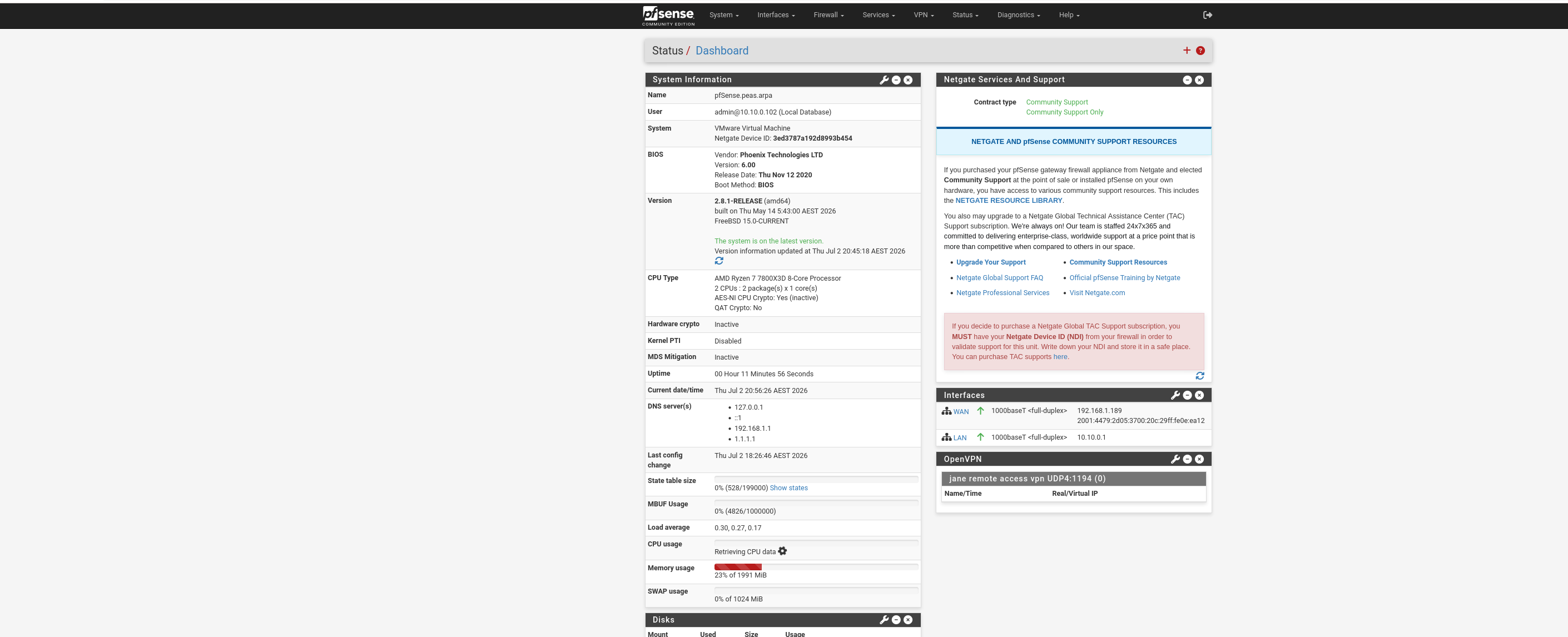
pfSense dashboard after the rebuild

Debugging a Dead VMware NAT and Hardening My pfSense Containment Lab

I run my Claude Code work inside a Debian 13 VM (CLAUDDEB) on VMware Workstation Pro 17.6.4, with a pfSense 2.8.1 VM in front of it as a virtual router and firewall. pfSense exists in this setup for containment: if something on the Debian VM misbehaves — a prompt injection, a compromised dependency — it must not be able to reach my PC, my router’s admin page, or anything else on the home network. ...

2 July 2026