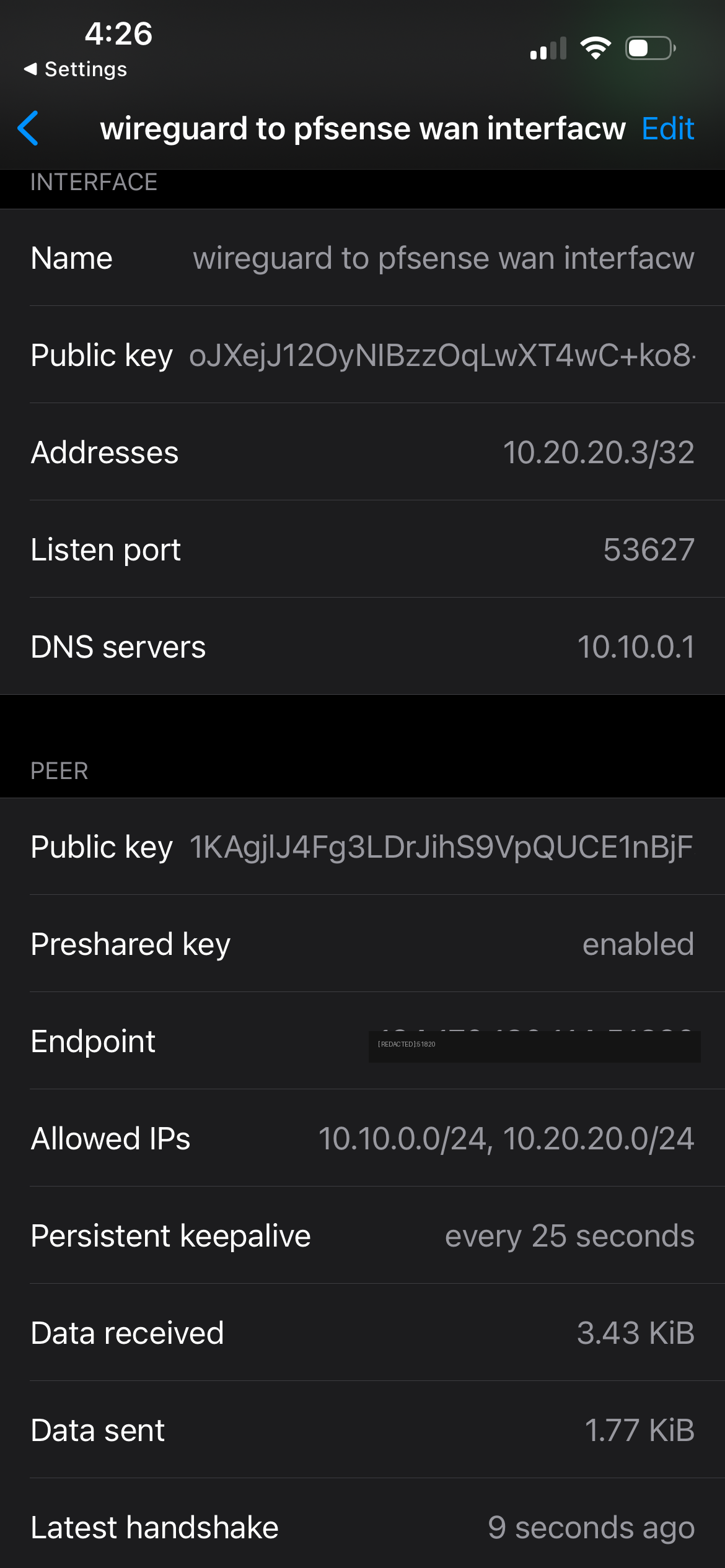
WireGuard handshake established over mobile data

Self-Hosted WireGuard Through a Nested Firewall — and the Four-Layer Debug to Make It Work

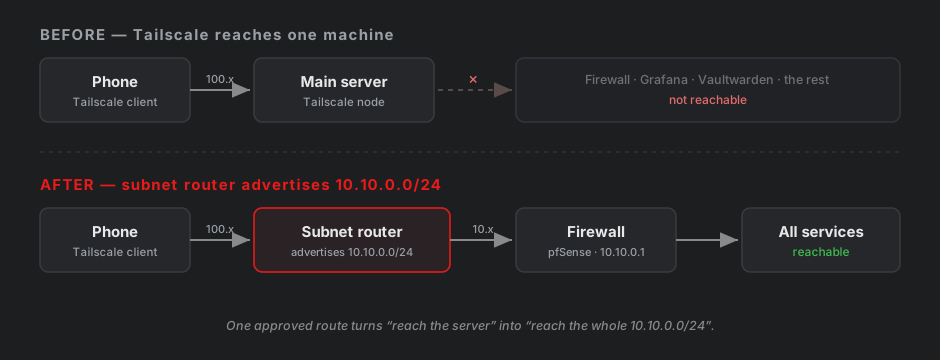
My lab is deliberately isolated — an automation VM (CLAUDDEB) sits behind a virtual pfSense firewall on a segment (10.10.0.0/24) that my home network can’t reach. That isolation is great until you’re out of the house and want to check your Grafana dashboards, which only listen inside that segment. I already use Tailscale for casual remote access, and I’ll be honest up front: for pure convenience, Tailscale wins — it punches through NAT automatically with zero firewall work. But this project wasn’t about convenience. It was about building the thing Tailscale is made of. Tailscale is WireGuard under the hood; hand-rolling raw WireGuard on pfSense teaches you how VPNs actually work — keys, peers, routing, firewall rules, NAT — at a level the managed tool deliberately hides. So I built it from scratch, kept Tailscale as my daily driver, and got a genuinely brutal debugging lesson in the process. ...

11 July 2026
A note pushed from the laptop appearing on the hub via get_recent

Syncing Claude Code Across Devices with a Custom MCP Hub over Tailscale

I run Claude Code on two machines: the Debian VM in my home lab (always on) and a Debian laptop (sleeps, roams, follows me to campus). I wanted the laptop to push notes, facts, and findings into a central store on the VM — from any network — so the home-lab agent could pick them up later. Claude Code’s built-in Remote Control turns a second device into a remote window onto one session. That’s not what I wanted. I wanted both machines to stay fully independent agents, linked through a shared tool. So I built a small MCP server on the VM and pointed the laptop’s Claude Code at it: the hub becomes just another tool the laptop can call. ...

7 July 2026
Grafana Node Exporter dashboard for the Debian VM

Building a Prometheus and Grafana Observability Stack for My Home Lab

My LaMetric display gives an at-a-glance read on the lab, but it’s a spot reading with no history — good for “is something on fire right now,” useless for “what happened overnight.” This project adds the layer underneath: a Prometheus + Grafana stack that scrapes my hosts continuously, stores the history, and draws real dashboards. Two targets: CLAUDDEB (my Debian automation VM) and my pfSense firewall, reusing the exact SNMP setup from the pfSense post — just pointed at something far more capable than a 37-pixel display. ...

6 July 2026
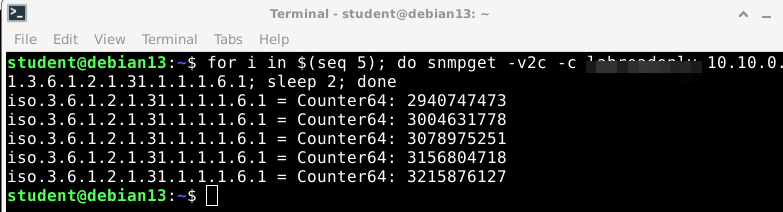
pfSense WAN byte counter climbing under SNMP polling

Implementing LaMetric TIME to Network Part 2

In part 1 I got a LaMetric Time showing live health from my home lab over MQTT, so it worked across my network isolation — CPU, memory, disk, uptime, and the automation VM’s own traffic, all from a single Debian box. Useful, but those were really that box’s stats. The frame the display was named for is my network’s throughput — the traffic crossing my firewall — and that data lives on pfSense, not the Debian box. This is the follow-up: pulling real WAN in/out rates off pfSense over SNMP and putting them on the display. It’s shorter than the MQTT build, because the pipeline already exists; all I’m adding is a new data source. Getting numbers out of pfSense is the part worth writing down. ...

6 July 2026
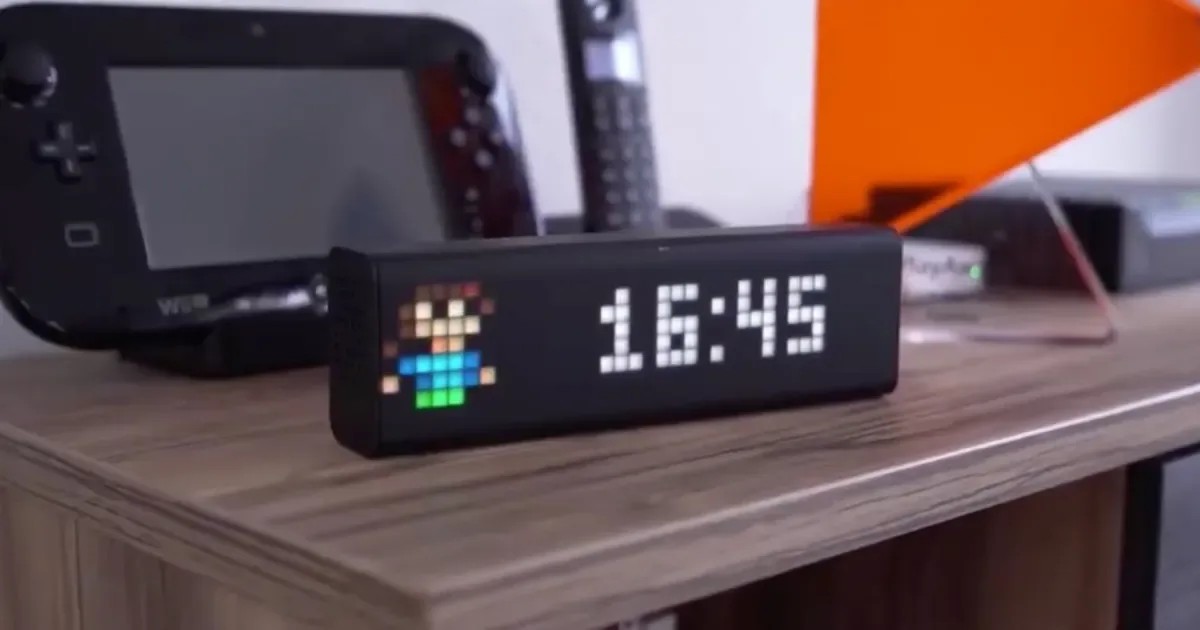
A LaMetric Time smart display

Implementing LaMetric TIME to Network

I picked up a LaMetric Time — an 8x37 pixel smart display — and after locking it down on an isolated guest network, the next move was to make it useful: live health from my home lab. CPU, memory, network throughput — the numbers worth a glance. The interesting part is that a constraint I’d deliberately built into my network dictated the whole architecture. This is the write-up: the design decision, the pipeline, and the gotchas — because the gotchas are the useful part. ...

5 July 2026
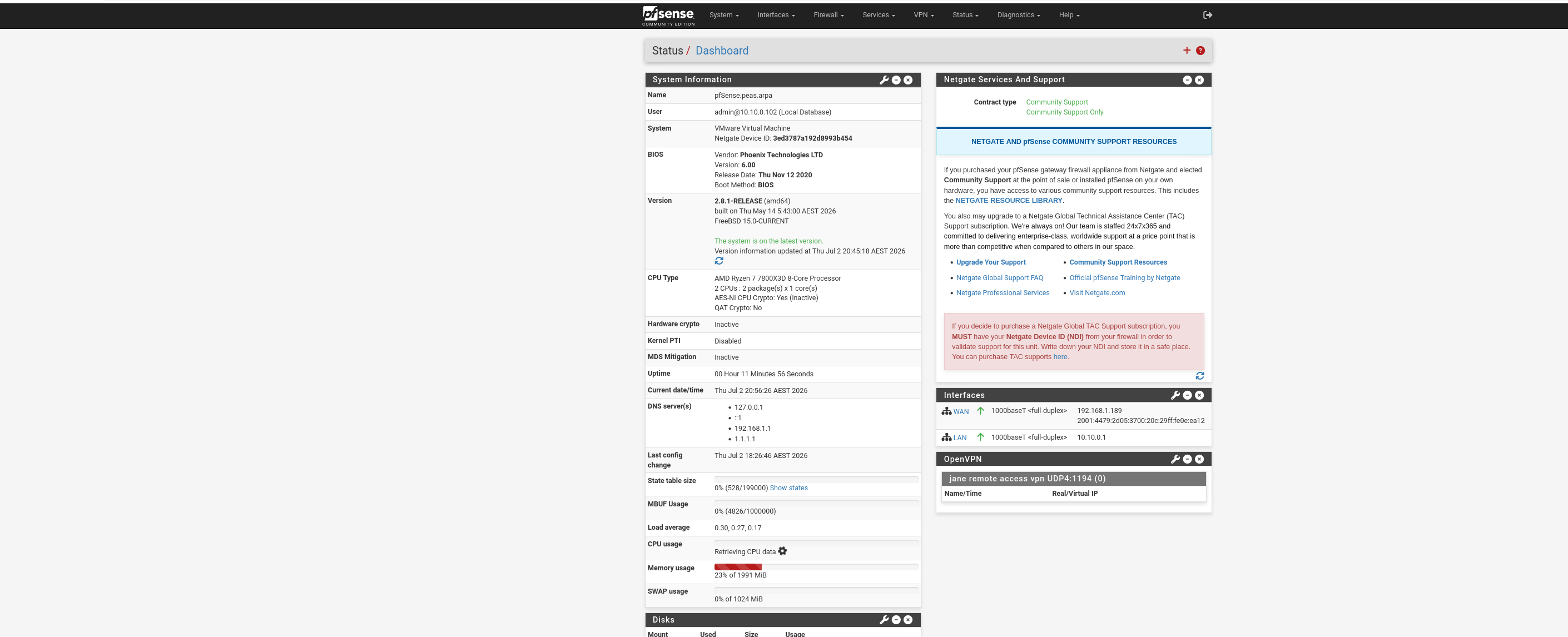
pfSense dashboard after the rebuild

Debugging a Dead VMware NAT and Hardening My pfSense Containment Lab

I run my Claude Code work inside a Debian 13 VM (CLAUDDEB) on VMware Workstation Pro 17.6.4, with a pfSense 2.8.1 VM in front of it as a virtual router and firewall. pfSense exists in this setup for containment: if something on the Debian VM misbehaves — a prompt injection, a compromised dependency — it must not be able to reach my PC, my router’s admin page, or anything else on the home network. ...

2 July 2026