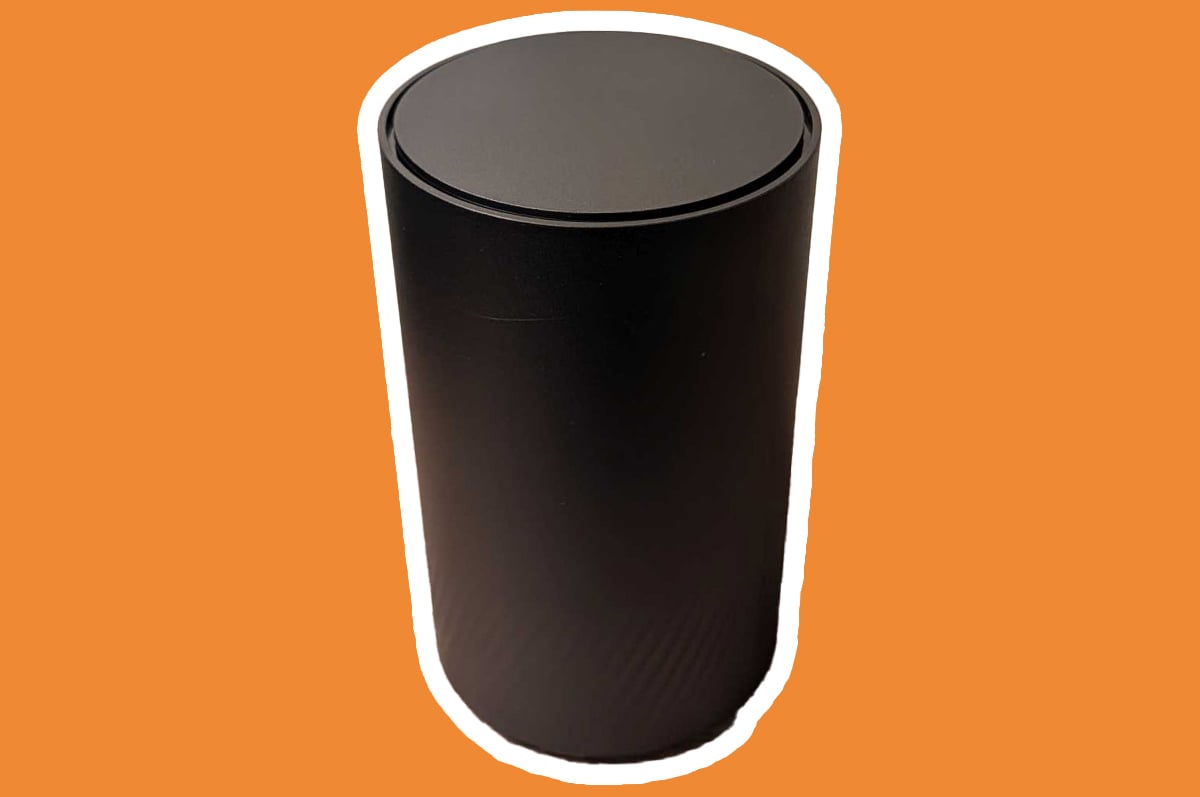
This is a small home network — one router, a handful of devices. The point wasn’t complexity; it was applying the same discipline you would to a small office or lab environment. Treated that way, it doubles as practical study for Network+ and Security+.
The router is an Arcadyan HWG2025 — the NBN-issued unit, Wi-Fi 7 with MLO, around 500 Mb down. An ISP router doesn’t give you much room to move, but it gives you enough to do this properly.
Baseline hardening
Before any segmentation:
- Changed the default admin credentials. ISP defaults are usually
admin/adminor printed on a sticker. - WPA3 with AES everywhere. WPA2 fallback only for devices that genuinely can’t do WPA3; TKIP off.
- Disabled WPS — a known weak point with no upside.
- Disabled remote management — the admin interface has no reason to be reachable from outside.
- Updated firmware and rebooted before further changes.
- Set DHCP reservations for important devices so their addresses are predictable.
None of this is advanced. It’s the baseline that everything else builds on.
Network segmentation
Two zones:
| Zone | Subnet | Notes |
|---|---|---|
| Main / trusted | 192.168.1.0/24 | My machines |
| Guest | 192.168.2.0/24 | Visitors, untrusted devices |
Guest has client isolation enabled — devices on it can’t reach the main network or each other. Anything I don’t fully trust (visitors, and eventually IoT devices) never shares a broadcast domain with my machines.
An IoT segment as a third zone is the longer-term plan; two zones is the right starting point.
The DNS gotcha
The HWG2025 has ISP-locked DNS fields at the router level — you can’t point the upstream resolvers at Cloudflare (1.1.1.1) or Quad9 (9.9.9.9) from the admin interface.
Two workarounds:
- Per-device OS-level DNS — set 1.1.1.1 and 9.9.9.9 on each machine. Works, but it’s manual and doesn’t cover devices you can’t configure.
- Pi-hole as local DNS — point all DHCP clients at a Pi-hole, which upstreams to Cloudflare/Quad9. Network-wide resolver control, plus ad and tracker blocking.
Pi-hole is the long-term answer and will get its own post. For now, per-device DNS on the machines I control.
Band steering and SSID choices
With Wi-Fi 7 and MLO, 2.4 GHz and 5 GHz don’t need to be split into separate SSIDs. I left them merged with Smart Connect on. The one exception: stubborn IoT gear that only speaks 2.4 GHz — split temporarily, connect the device, merge back.
I didn’t hide the SSID. Hidden networks are trivially detectable with any wireless scanner, and devices searching for a hidden network broadcast its name wherever they go. Real security here is WPA3, guest isolation, strong admin credentials, and WPS off — not hiding the name.
Where this goes next
The discipline matters more than the scale. Separating trusted from untrusted traffic, disabling what shouldn’t be on, and using strong authentication are the same decisions at home as in production — only the size changes.
Next: Pi-hole for proper DNS control, then IoT segmentation as a third zone.