A log of small projects completed using Claude Code CLI on a personal Debian laptop. Each session was self-contained — Claude handled the implementation while I directed the goal.
Project 1 — System Environment Setup

| Detail | Info |
|---|---|
| Date | 23 June 2026 |
| Status | Completed |
Ran the built-in /doctor command to verify the Claude Code installation was healthy, paths were correct, and the environment was ready to use on the laptop.
Project 2 — OneDrive Setup & Office Tooling

| Detail | Info |
|---|---|
| Date | 24 June 2026 |
| Status | Completed |
Set up cloud storage and document tooling on the Debian laptop:
- Installed and configured OneDrive via Snap, authenticated it, and enabled the background sync daemon for persistent file syncing
- Installed LibreOffice Writer as a document editor
Four guided lab documents were generated, formatted, and saved to OneDrive:
| Document | Topic |
|---|---|
Linux_Command_Line_Lab.docx | Linux command reference with usage examples |
Windows_PowerShell_Lab.docx | PowerShell syntax and cross-platform shell skills |
Docker_Intro_Lab.docx | Introduction to Docker containers |
Apache_Lab.docx | Apache web server setup and configuration |
Project 3 — Obsidian Vault Optimisation & Claude API

| Detail | Info |
|---|---|
| Date | 24 June 2026 |
| Status | Completed |
Two things were done in the same session: restructuring an existing Obsidian notes vault, then wiring Claude into it.
Vault clean-up:
- Standardised formatting, headings, and spacing across all notes
- Added a Table of Contents to each note
- Created three supporting files: a formatting guide, a blank note template, and an optimisation log
- Updated the vault’s Canvas diagram to reflect the current note structure
Claude API integration:
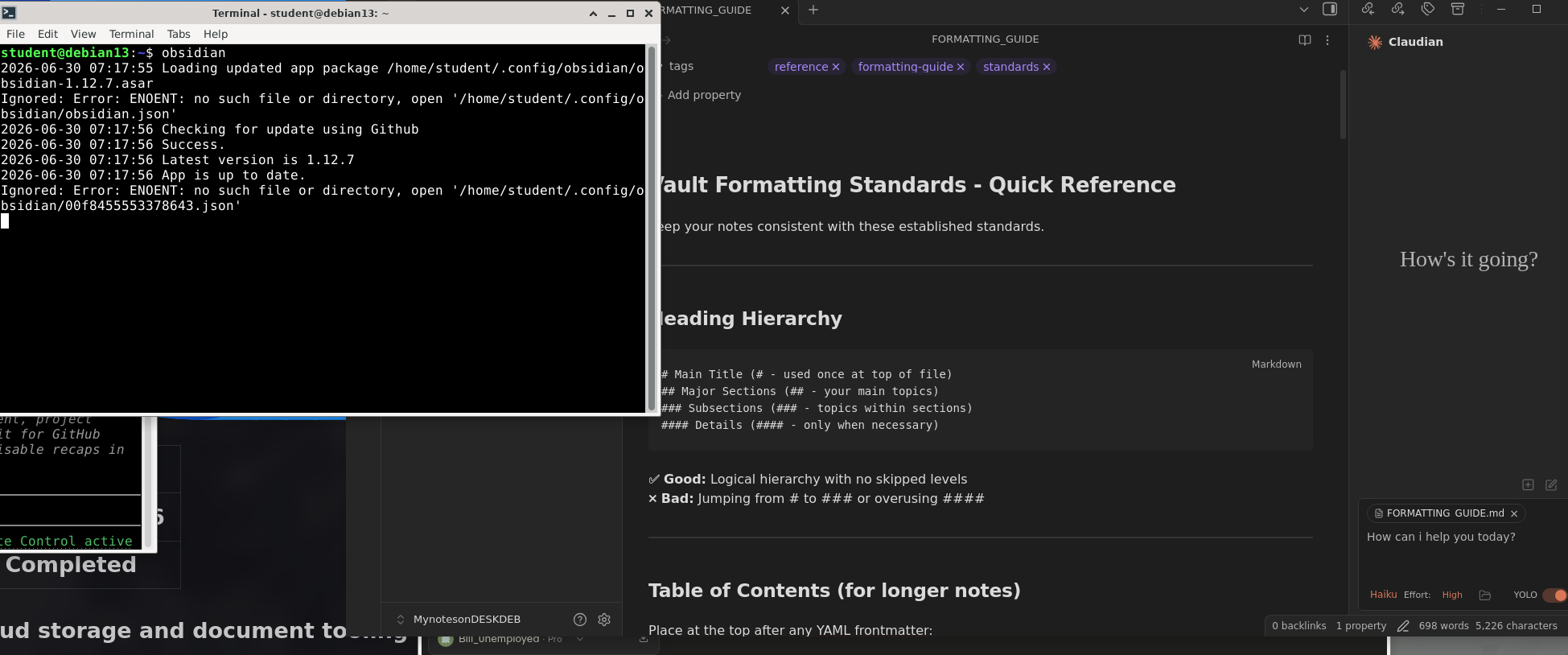
- Connected the Claude API to Obsidian so Claude can read notes, suggest edits, and generate content from within the vault
- This makes the vault AI-assisted going forward — notes can be summarised, reformatted, or extended using Claude as a backend
Project 4 — Lab Document Migration to Obsidian

| Detail | Info |
|---|---|
| Date | 26 June 2026 |
| Status | Completed |
Retrieved the lab .docx files from OneDrive and converted them into properly formatted Markdown notes inside the Obsidian vault:
| Obsidian Note | Vault Location |
|---|---|
Linux Command Line Lab.md | Linux Fundamentals/ |
Windows PowerShell Lab.md | Cybersecurity Notes/Cluster 2 Notes/ |
Each imported note was brought up to vault standards — YAML frontmatter, a Table of Contents, correct heading hierarchy, fenced code blocks, and cross-links between the two notes.
Summary
| # | Project | Date | Result |
|---|---|---|---|
| 1 | Environment Setup | 23 Jun 2026 | Claude Code verified and ready |
| 2 | OneDrive + Office Tooling | 24 Jun 2026 | Cloud sync active, 4 lab docs created |
| 3 | Obsidian Vault + Claude API | 24 Jun 2026 | Vault restructured, Claude API integrated |
| 4 | Lab Doc Migration | 26 Jun 2026 | Docs converted to Markdown in vault |
All projects were completed on a Debian Linux laptop using Claude Code CLI.